Signing in
Home screen of the ANITRA platform is at https://app.anitra.cz/
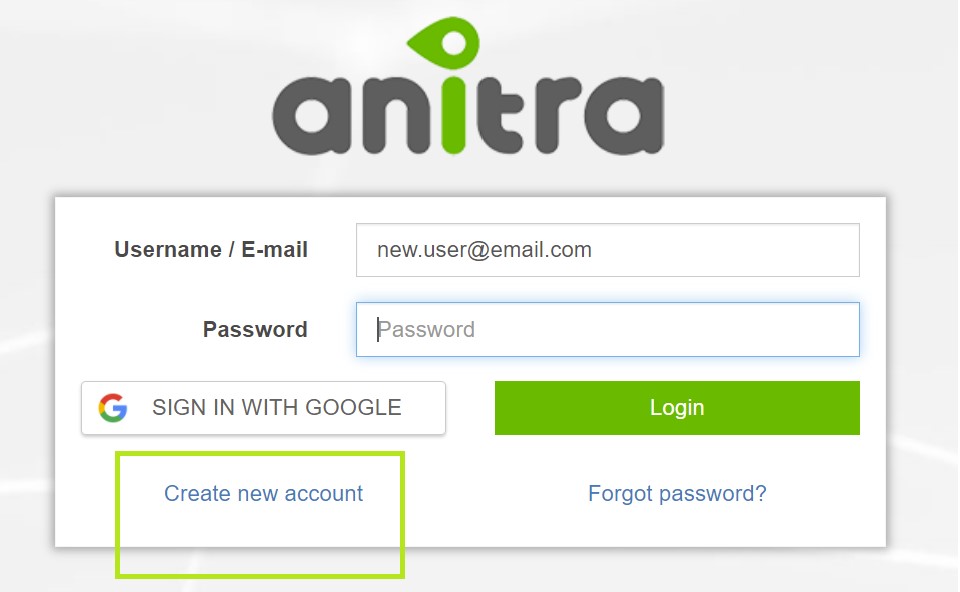
New users can register in the system either using "Create new account link" or using the "SIGN IN WITH GOOGLE" button (you will not need to type user name+pass anymore)
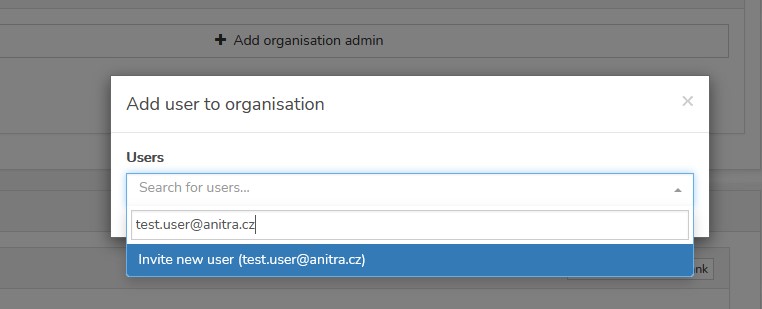
Note new user can also be created by other existing users sending an invitation to the new person from access granting wizards (e.g. sharing tracking, adding admins, or assigning project access) - typing a new email address launches the invite process
Once you have your account created and active you can log in either typing user name and password or using Google sign-in feature
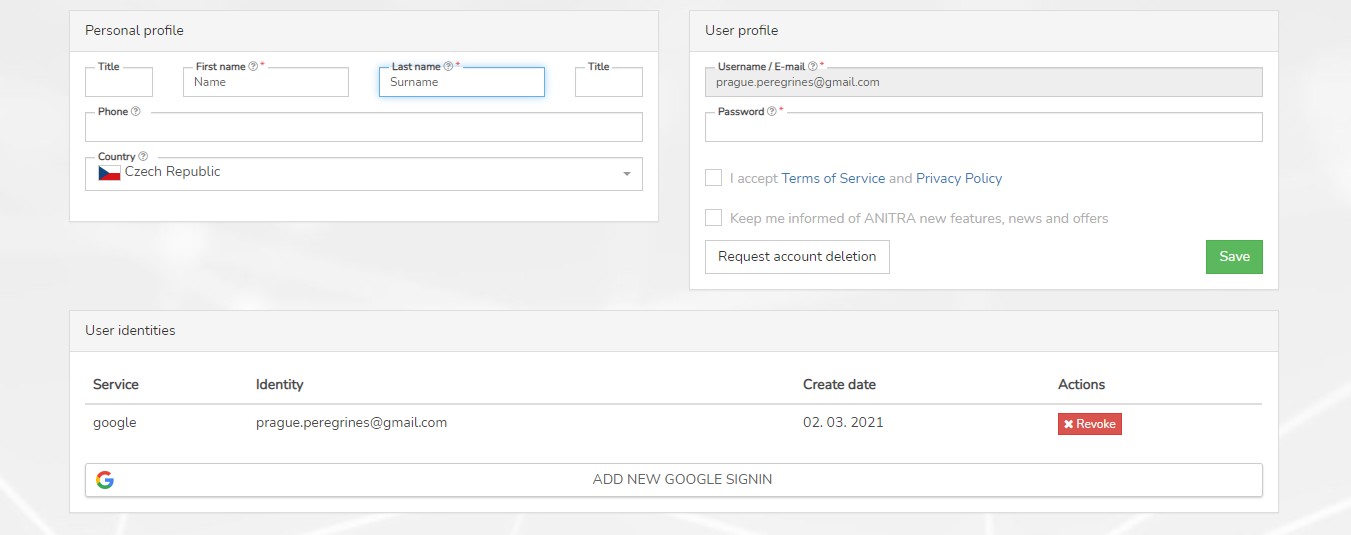
You can review and modify your details and preferences in your user profile later.